Best 2K Monitors to consider: Let’s be honest. We stare at screens all day long. If you are still using an old HD monitor, you are missing out on a lot of details. A 2K monitor is like putting on a pair of glasses you didn’t know you needed. Everything looks sharper. The text is crisp, images pop and you get enough space to open two windows side-by-side ‘bina kisi clutter ke’. Whether you are editing videos or just binge-watching a series, the extra pixels make a huge difference.
5 Deals on 2K Monitors
Buying a monitor is a long-term commitment, so don’t rush into it. You should follow these 4 steps to identify the right match for yourself on Amazon.
- First, fix your Purpose; do you need speed for gaming or colour accuracy for design?
- Second, pick the right Size, usually 27 inches is the sweet spot.
- Third, check the Refresh Rate if you hate lagging visuals.
- Fourth, look for Connectivity options like USB-C to reduce wire mess.
Samsung 27″ Odyssey G5 Fast IPS 2K Gaming Monitor
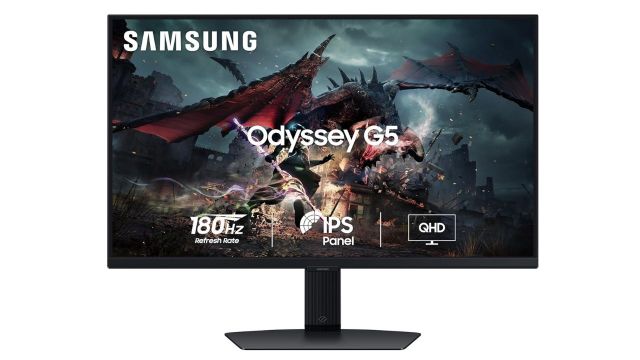
Samsung built this beast for the speed demons. If you play competitive games, you know that split-second lag gets you killed. This monitor has a crazy fast 180 Hz refresh rate with a 1ms response time. The stand is fully flexible: tilt it, pivot it, or adjust the height however you like. It makes dark scenes look scary real ‘game khelne ka mazaa’ is unbeatable here.
Best Feature: Super fast refresh rate and response time for lag-free gaming action.
Dell P2425D 23.8inch 2K WQHD Monitor
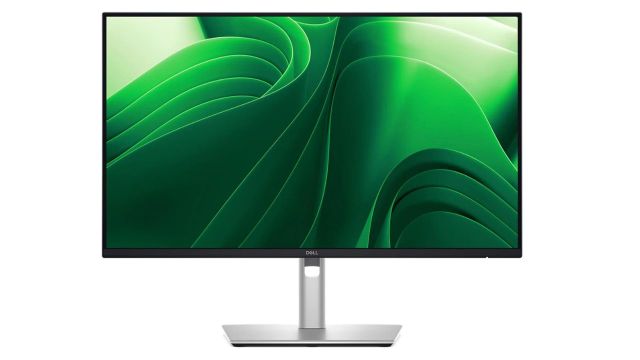
This Dell monitor offers great clarity on a compact 23.8-inch screen. It uses In-Plane Switching (IPS) technology to keep colours consistent from any angle. A unique design element is the front-facing pop-out ports. You can easily access USB-C and USB-A ports to connect drives or charge phones without reaching behind the screen. It has a contrast ratio of 1500:1 for deeper blacks.
Best Feature: Front facing pop out USB ports for easy and quick device connectivity.
BenQ GW2790Q 27 Inch 2K QHD IPS Monitor
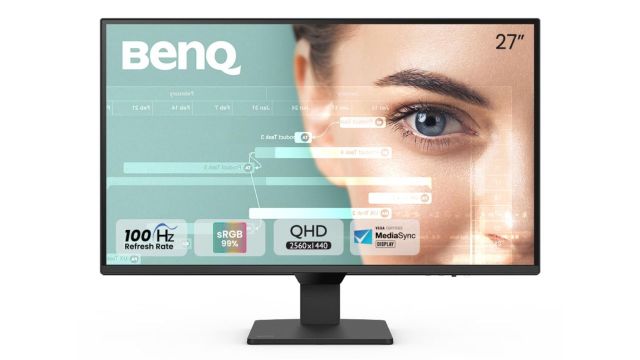
This 27-inch beauty is for the multitaskers. BenQ added a special Input Hotkey that lets you switch between your work PC and gaming console with just one click. No more messing with buttons. It covers 99% of the colour range, so photos look accurate. Plus, the Low Blue Light+ tech makes sure your eyes don’t burn after a long night of working.
Best Feature: Input hotkey allows seamless switching between work and play devices instantly.
Also Read: Electric Air Blower for Clean Outdoor Gardens
MSI PRO MP275Q 27 Inch 2K Office Monitor
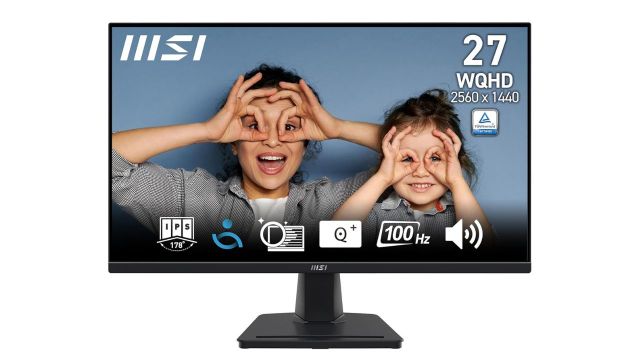
MSI focused entirely on keeping your eyes safe with this one. It has special certifications to reduce flickering and harmful blue light. The screen has an anti-glare coating, so overhead lights won’t annoy you. The built-in speakers ensure there are no extra wires and saves the desk space.
Best Feature: Certified anti-flicker technology and built-in speakers for comfortable office work.
LG 24U631A IPS QHD Monitor
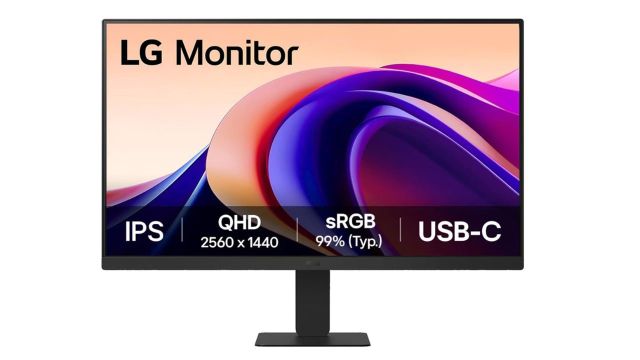
LG offers this 24-inch monitor with versatile connectivity options. It includes a USB-C port that supports 15W power delivery. This allows you to transfer data and charge your connected device at the same time. It features a 3-side virtual borderless design which looks very modern. The Reader Mode adjusts the screen colour to make reading documents comfortable.Best Feature: The USB-C port can be used for device charging along with data transfer.