
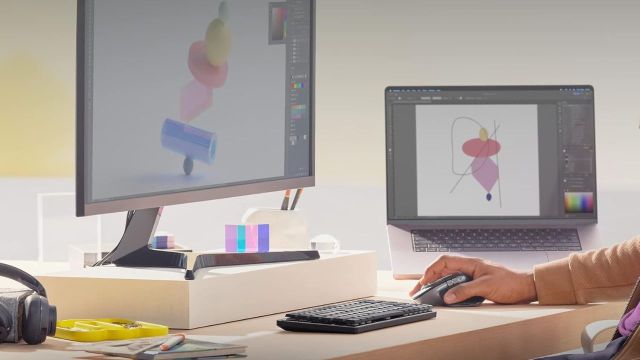
Best iPad Accessories to consider: Your iPad starts the day with emails, moves to class notes, plays a recipe at lunch and ends with a film in bed. The device can handle all of that but holding it at the right angle or typing on the screen can soon feel tiring. A few iPad accessories can make those tasks feel less awkward. You can write with a stylus, type with a keyboard, raise the screen or protect it during travel.

Why You Need iPad Accessories for Daily Use
The right accessory depends on how the iPad fits into your day. Students may need a stylus for notes. Office users may prefer a keyboard and stand. Travellers may want a case that protects the screen inside a crowded bag.
You do not need every accessory at once. Start with the one task that causes the most trouble. Here are some useful iPad accessories on Amazon.
5 iPad Accessories Deals
UGREEN Three-Slot Vertical Device Stand
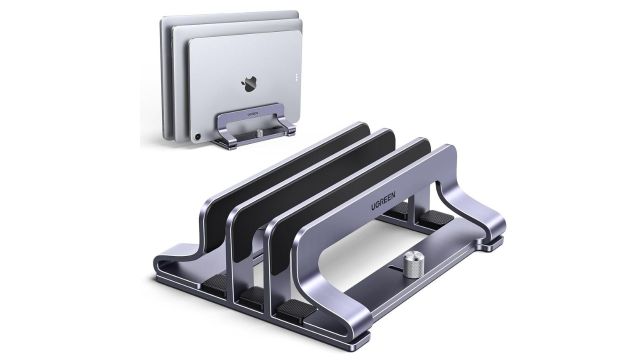
This stand helps when your desk has an iPad, laptop and notebook fighting for space. Place up to three devices in the slots and keep them upright between tasks. You can also adjust the width to suit devices with cases or covers.
Pro Tip: Keep the device ports facing up for cable access.
CrocVolt Stylus Pen for iPad
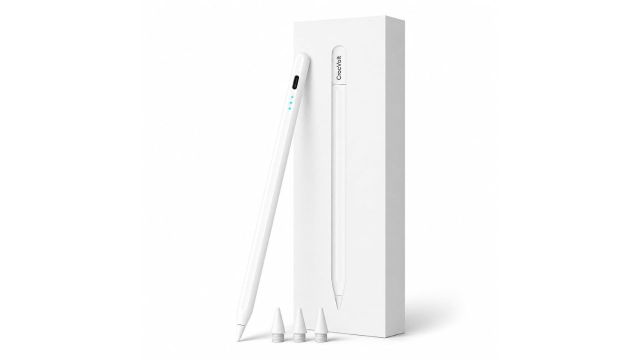
This stylus suits you when fingers feel too broad for notes, sketches or document marks. Palm rejection lets your hand rest on the screen while writing. The pen also attaches to the iPad through magnets, which can help stop it from disappearing inside a bag.
Pro Tip: Check your iPad model before placing the order.
Dyazo Foldable Tablet Stand
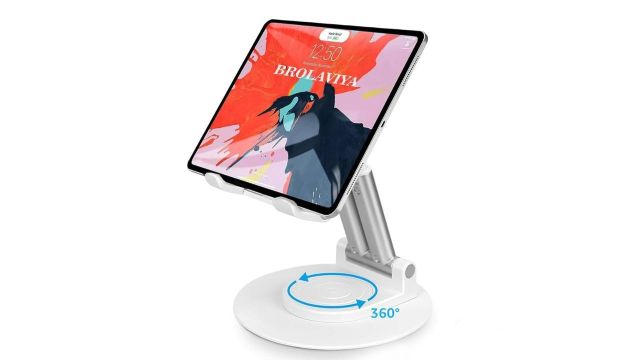
This stand gives your iPad a set place during video calls, classes, films or kitchen use. You can rotate the holder and adjust the height based on where you sit. Fold it flat when the desk needs space or when it goes into a travel bag.
Pro Tip: Place the stand on a flat surface before rotating it.
Also Read: Smart Doorbells from Amazon That Help You Answer Visitors From Anywhere
Logitech MX Mechanical Mini for Mac
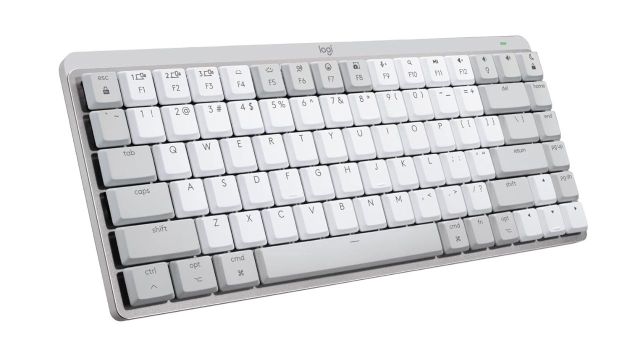
This keyboard is for you when the iPad has become part of the work setup. The Mac-style key layout suits emails, reports, notes and long messages. It connects through Bluetooth and offers backlit keys, which can help during late work sessions.
Pro Tip: Raise the iPad to eye level before starting long tasks.
ZUGU Case for iPad Pro 13-Inch
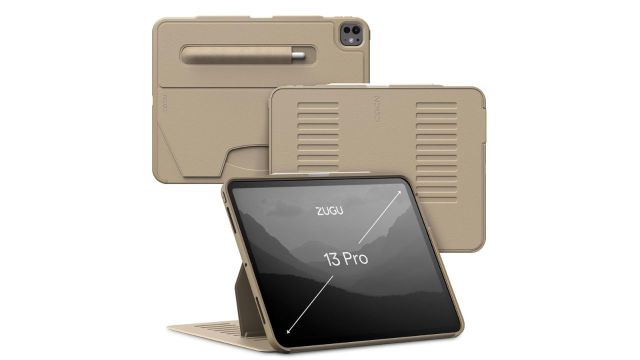
This case suits an iPad that moves between work, travel, cooking and family use. The magnetic stand offers eight viewing angles, while the cover supports wireless Pencil charging. Check the model number, as this case is made for selected 13-inch iPad Pro versions.
Pro Tip: Match the case with the exact iPad year and model.
Frequently Asked Questions
Which iPad accessory should you buy first?
Start with a case for protection. Add a stand, stylus or keyboard based on how you use the iPad.
Can an iPad replace a laptop for office work?
It can handle emails, notes, calls and documents. A keyboard and stand can make longer work tasks feel less cramped.