When you first open NordVPN, it looks almost too simple.
There’s a big “Connect” button, a map, and a list of countries. You tap once, and you’re connected. That’s enough for most people, honestly.
But if you spend a little more time in the NordVPN app, you’ll start noticing all these extra features. Threat Protection, Kill Switch, Meshnet, split tunneling… and it’s not immediately clear what any of them actually do in real life.
The good part is, you don’t need to use everything. You just need to know what’s useful for you.
Quick Connect vs choosing a server
Most of the time, you can just hit “Quick Connect” and forget about it.
It automatically connects you to a fast server nearby, and that’s usually all you need for regular browsing, streaming, or just staying a bit more private online.
But sometimes you’ll want to pick a location yourself.
Maybe you want to connect through another country. Maybe a specific server feels faster. Or maybe something just isn’t loading the way you expected.
That’s when manual selection comes in. You tap a country, connect, and you’re done. Nothing complicated about it.
Threat Protection is the one you’ll notice most
Out of all the features, this is probably the one that makes the biggest everyday difference.
Threat Protection quietly blocks things you don’t really want anyway, like shady websites, trackers, and a bunch of ads.
You don’t get a big notification saying “we blocked something.” You just notice that pages feel cleaner, and fewer weird pop-ups show up.
It’s one of those features you turn on once and then forget about, but you’d miss it if it was gone.
Kill Switch sounds intense, but it’s simple
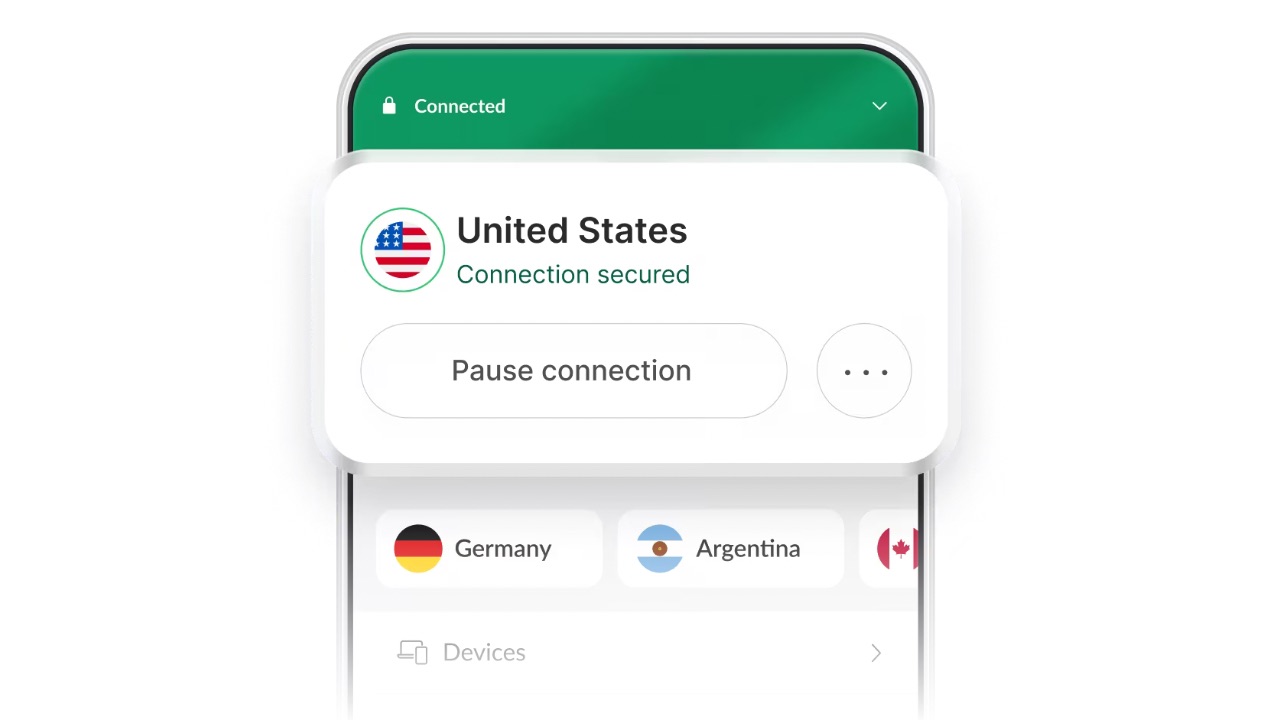
The name makes it sound dramatic, but it’s actually just a safety net.
If your VPN connection drops for a second, which can happen sometimes, your internet gets paused instead of switching back to your normal connection.
Why does that matter?
Because without it, your real IP and connection would be exposed without you realizing it.
With the Kill Switch on, that doesn’t happen. It’s not something you actively use, it just sits there quietly doing its job.
Meshnet is useful, but not for everyone
This is the feature that confuses most people at first.
Meshnet basically lets your devices talk to each other securely, even if they’re in different places.
So you could:
- Access your home computer while traveling
- Share files between devices without using third-party apps
- Create a small private network between your own devices
If that sounds like something you’d use, it’s great. If not, you can ignore it completely and you won’t miss anything.
Split tunneling gives you control
There are times when you don’t want everything going through the VPN.
That’s where split tunneling comes in.
You can choose which apps use the VPN and which don’t.
For example, you might keep your browser on the VPN but let your banking app or a local service run normally.
It saves you from constantly turning the VPN on and off depending on what you’re doing.
Auto-connect makes things easier
This is one of those small features that ends up being useful more than you’d expect.
You can set NordVPN to turn on automatically when you connect to WiFi, especially unknown networks.
So instead of remembering to open the app every time, it just connects on its own.
After a while, you don’t even think about it.
Specialty servers, only if you need them
You’ll also see options like Double VPN, Onion over VPN, or P2P servers.
These are more specific.
They’re useful if you know why you need them, like extra layers of privacy or certain types of activity, but most people won’t use them daily.
And that’s fine. They’re there if you need them, not something you have to worry about.
You don’t need to use everything
This is the part people often overcomplicate.
You don’t need to explore every setting or turn on every feature.
For most people, a simple setup works perfectly:
- Connect when needed (or use auto-connect)
- Turn on Threat Protection
- Enable Kill Switch
That already covers a lot.
Everything else is optional.
The simple way to think about it
NordVPN isn’t one big feature. It’s a bunch of small tools.
Some you’ll use every day without noticing. Some you’ll never touch. And that’s completely fine.
Once you stop trying to “use everything” and just keep what works for you, the whole thing feels a lot simpler and a lot more useful.
Also Read: Portable Inflators on Temu in China That Could Save You a Roadside Call