Best Video-Making Gear to consider: Phone videos always start with confidence. The idea is clear, the room looks fine and the phone camera is ready. Then the hand starts shaking, the light looks strange and the phone slowly slides against a water bottle used as a stand. This is where smartphone video gear makes the difference as it can make videos look cleaner without turning the room into a full studio.
Why Video-Making Gear Makes Phone Shoots Feel Easier?
Phone shoots feel easier when the small problems stop getting in the way. A tripod handles height, a light fixes dull rooms and a remote helps when the phone sits across the table. A grip also helps when travel clips or walking shots need more control.
Let’s have a look at some of the best video-making gear available on Amazon.
5 Video-Making Gear on Amazon
Kratos K9 Selfie Stick Tripod With Light
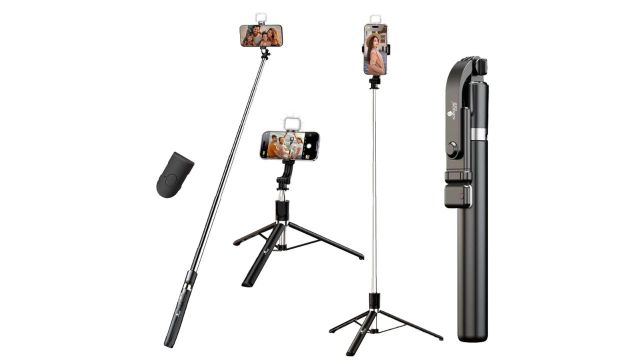
This is the kind of tripod that rescues videos from books, bottles and random boxes used as phone stands. You get a height of 67 inches, a built-in light and a Bluetooth remote, so solo shoots feel less clumsy. Use it for travel videos, reels, family clips or room recordings when the phone needs a proper spot.
Shooting Tip: Stand a step behind the tripod and check the frame before recording.
Digitek LED-D130 RGB Portable Video Light
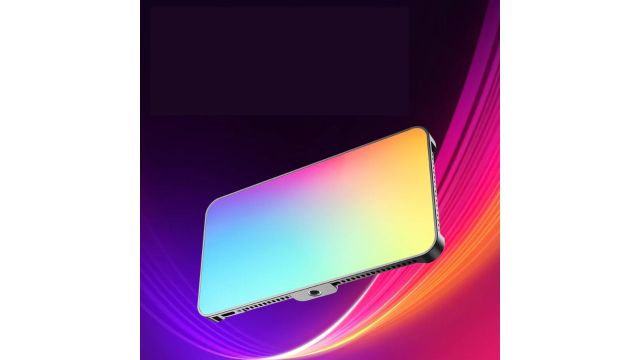
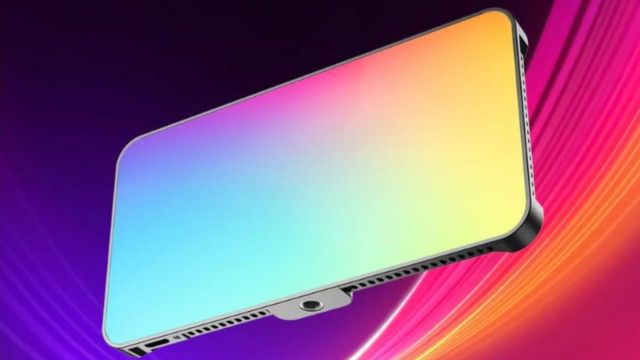
This light is useful when the room looks fine to the eye but dull on camera. You can adjust brightness, colour temperature and FX modes for reels, product shots, makeup videos or desk clips. The built-in 4000mAh battery also helps when the shoot takes longer than planned. It gives phone videos a cleaner look without a full studio setup.
Shooting Tip: Keep the light at an angle instead of pointing it straight at the face.
pTron MHR1 Phone Clip Camera Grip Handle
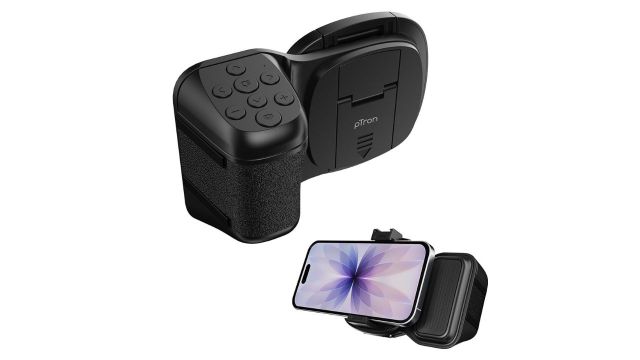
This grip makes sense when handheld videos start looking too shaky. Your phone sits inside the clip and the handle gives better control during walking shots, travel clips or quick product videos. The detachable Bluetooth remote also helps when taking photos from a distance. It works with both iOS and Android phones.
Shooting Tip: Keep elbows close to the body while recording walking clips.
Also Read: Irons by Havells on Myntra EORS 2026 That Make Last-Minute Outfit Fixes Less Stressful
Sounce Shutter Remote Control
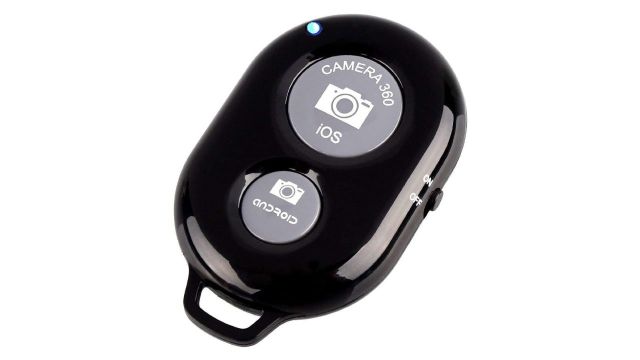
This small remote is a lifesaver when pressing the screen keeps ruining the pose or frame. It connects through Bluetooth and can trigger the phone from up to 30 feet away. Use it for outfit videos, group shots, cooking clips, fitness videos or desk recordings. Once paired, the shoot feels much smoother.
Shooting Tip: Start recording with the remote, then keep it hidden in the hand.
Portronics Mobot Clip Mobile Holder
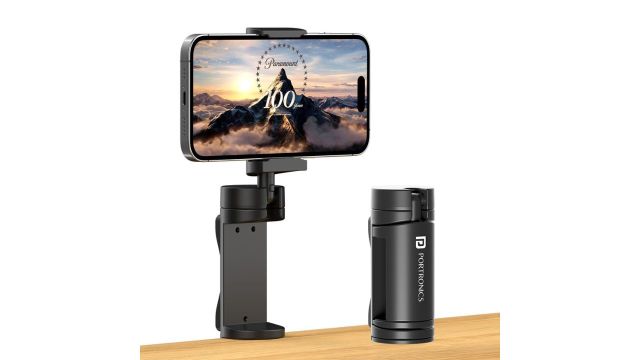
This holder is handy when the phone needs one steady angle on a table. The 360-degree adjustment helps during tutorials, video calls, reels, cooking shots or study recordings. It is light enough to carry and works with 4-to-6.4-inch smartphones. It also fits well on desks and kitchen counters.
Shooting Tip: Record a five-second test clip before starting the final video.
Frequently Asked Questions
What should be bought first for phone videos?
Start with a tripod and a small light. These two solve the most common problems: shaky frames and poor lighting.
Can phone videos look good for social media?
Yes, they can. A clean background, steady phone and good light can make a big difference.