
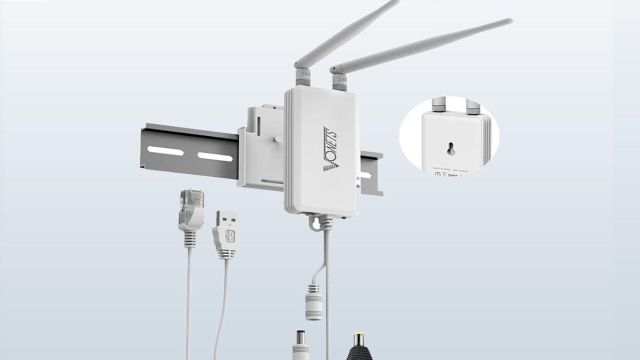
Top Wi-Fi Extenders to explore: Every home has that one internet corner. The router sits in the hall, the bedroom has weak signal and the balcony behaves like it lives in another city. One video call freezes and suddenly everyone blames the Wi-Fi. A Wi-Fi extender can be useful here. Place it between the router and the weak spot and your signal has a better chance of reaching study rooms, work desks, smart TVs and upstairs corners.

Which Factors Make Wi-Fi Extenders Necessary?
Ever walked around the house holding the phone up for one more signal bar? A Wi-Fi extender is made for that exact problem. It can help when rooms, walls, floors or distance make the main router feel too far away. Let’s have a look at some Wi-Fi extenders you can check on Amazon.
5 Wi-Fi Extenders Deals on Amazon
TP-Link AC1200 WiFi Range Extender RE305
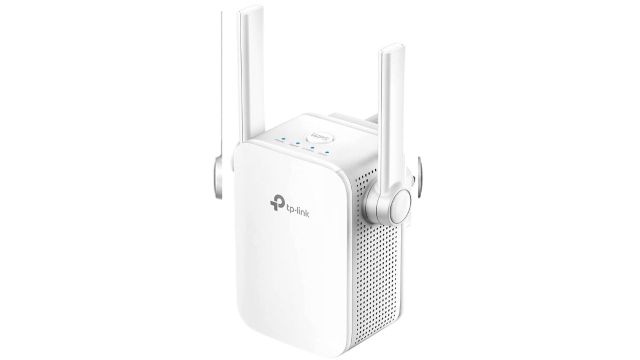
The TP-Link RE305 suits homes where one router needs a bit of help. It supports dual-band Wi-Fi, with 2.4GHz for basic use and 5GHz for faster work. That can help when a bedroom TV, study laptop or work desk sits away from the router. Use it where the main signal still reaches, not in the dead zone itself.
Wi-Fi Tip: Place it halfway between the router and weak room.
VONETS Industrial WiFi Bridge VAP11S
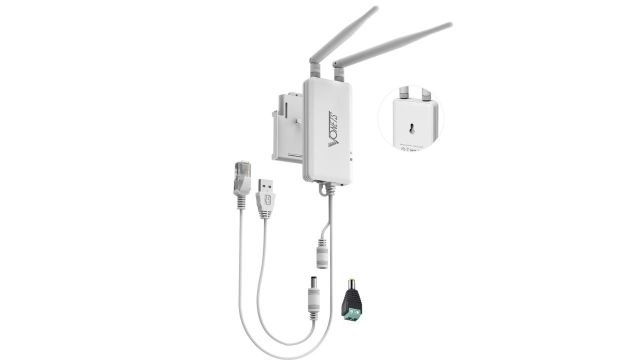
Some devices act old-school and still need a wired port. This VONETS unit brings a Wi-Fi bridge, repeater, mini router and hotspot extender format with two RJ45 ports. It can suit DVRs, cameras, gaming devices or network gadgets. It is more tool-like than home décor, so buy it for a clear device need.
Wi-Fi Tip: Check device support before using it with cameras or DVRs.
2026 AX3000 WiFi 6 Extender
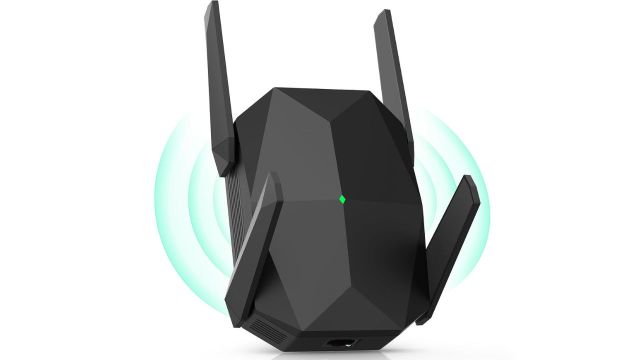
Big homes can turn Wi-Fi into a treasure hunt. One room streams fine, another room refuses to load a page. This AX3000 Wi-Fi 6 extender targets faster dual-band coverage for homes with more devices. It can suit streaming, gaming and work corners where older repeaters feel tired. Your router and plan still matter, though.
Wi-Fi Tip: Use it with a Wi-Fi 6 router for better results.
Also Read: Monitor Light Bars for Brighter Desk Setups from Amazon
Cudy AC1200 Mesh WiFi Extender RE1200
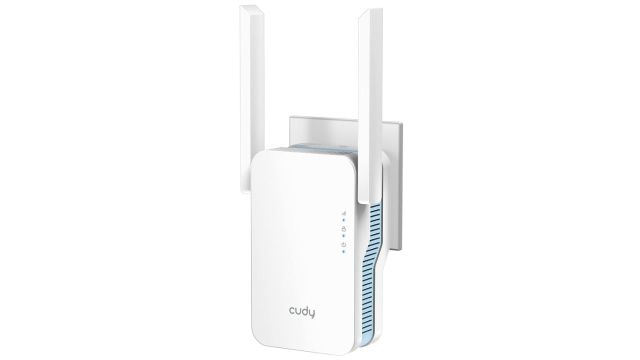
This Cudy extender is for homes where the weak spot keeps moving with people. Today it is the bedroom, tomorrow it is the work table and by night it is the smart TV. It supports dual-band Wi-Fi, AP mode and WPS setup. It can help with streaming, smart home devices and rooms behind thicker walls.
Wi-Fi Tip: Use 5GHz near the extender and 2.4GHz farther away.
WiFi Extender N300 A10
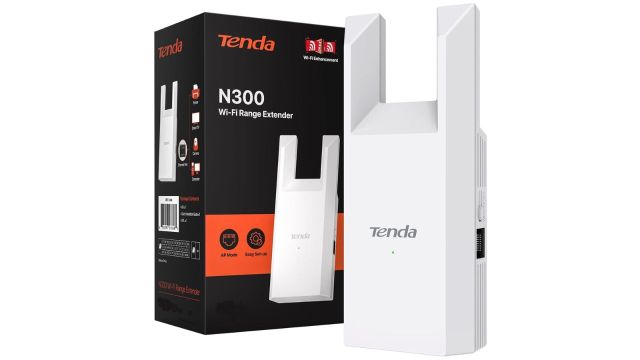
Not every home needs a high-speed extender with big claims. This N300 A10 extender is a basic 2.4GHz option with repeater mode, AP mode and an Ethernet port. It can suit smaller flats, single weak rooms or basic browsing needs. Use it for phones, tablets or smart devices, not heavy gaming expectations.
Wi-Fi Tip: Pick this for basic range, not top-speed use.
Frequently Asked Questions
Can I use a Wi-Fi extender with any router?
Yes, most extenders work with regular routers but check band and setup support.
What should I check before buying one?
Check speed, band support, Ethernet port, room size and router distance.