Food delivery is often linked with comfort, cravings and convenience. But as more people begin tracking calories, protein intake and overall balance, the way they order food is also changing. In recent months, Zomato has introduced a feature inside its app called Healthy Mode, designed for users who want more clarity before placing an order.
The idea is direct. Instead of scrolling through menus and guessing which dish may fit your diet plan, the app now allows you to switch to a dedicated Healthy Mode.
How It Actually Works

You don’t have to dig deep to find it. There’s a simple toggle for Healthy Mode within the interface. Switch it on, and suddenly the listings look curated for someone who cares about what goes into their body.
Restaurants that offer comparatively balanced meals show up more prominently. And here’s the part I liked: every highlighted dish comes with a Healthy Score. It ranges from “Low” to “Super,” which makes it easy to get a quick sense of where the dish stands nutritionally.
Instead of guessing whether a “grilled bowl” is actually healthy or just marketing, you see a clearer indicator.
The Macro Breakdown Is the Real Game-Changer
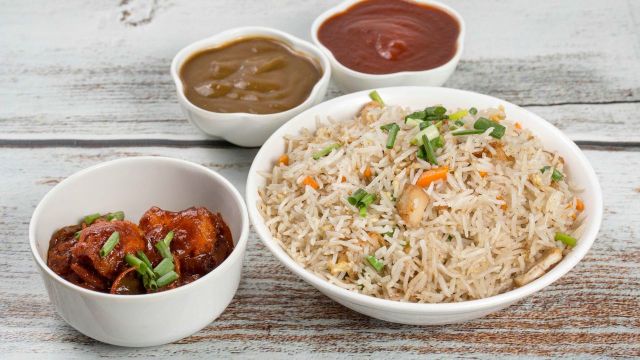
The feature doesn’t stop at labels. When you tap on a dish, you can see detailed macronutrient information:
Calories
Protein
Carbohydrates
Fats
Fiber
This is where I slowed down.
Normally, I would just order based on cravings. But seeing the numbers made me compare two similar options. One panner bowl had more protein and less fat than the other, simply because of the add ons. That small detail changed my order.
If you track workouts or just want to avoid overeating carbs at night, this information helps. You don’t need a separate nutrition app open. Everything is visible before you hit “Add to Cart.”
It’s Not About Dieting
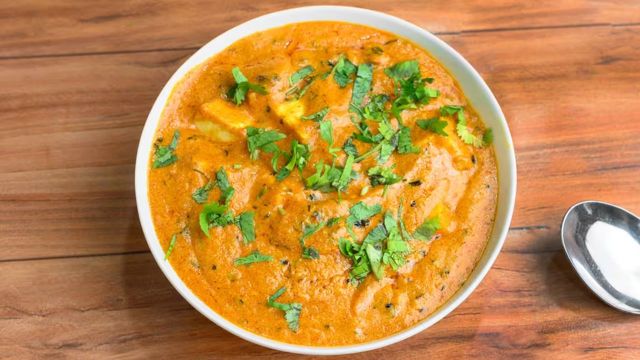
One thing I appreciated is that Healthy Mode doesn’t feel like punishment. It’s not forcing you into plain salads or boiled food.
You still see Indian meals, wraps, bowls, regional dishes — just with context. It gives you awareness without removing choice.
Some days you’ll ignore the score and order what you want. And that’s fine. Other days, especially weekday lunches, you might glance at the calories and make a different call.
That flexibility makes the feature usable in real life.
Why This Feels Relevant Right Now
More people are wearing smartwatches, tracking steps, monitoring sleep, and thinking about fitness. But food delivery often remained disconnected from that ecosystem.
Healthy Mode bridges that gap a little.
When calorie counts and protein numbers appear inside the ordering flow, the decision becomes less impulsive. You pause. You compare. You think.
It doesn’t turn food ordering into a medical exercise. It simply adds transparency.
A Small Toggle, Bigger Awareness
What stands out to me is that Healthy Mode is just a toggle. One switch changes how the app behaves.
On weekends, I might turn it off and order freely. On busy weekdays, I might switch it on before choosing lunch. That control feels practical.
Healthy Mode won’t automatically transform eating habits. But it removes the excuse of “I didn’t know.” The data is there. The score is visible. The macros are listed.
In a space usually driven by offers and delivery speed, this addition shifts attention to what’s inside the meal.
And honestly, that small shift makes ordering feel less random and more intentional.
Also Read: Refreshing Kombucha Bottled Drinks For Gut Health