
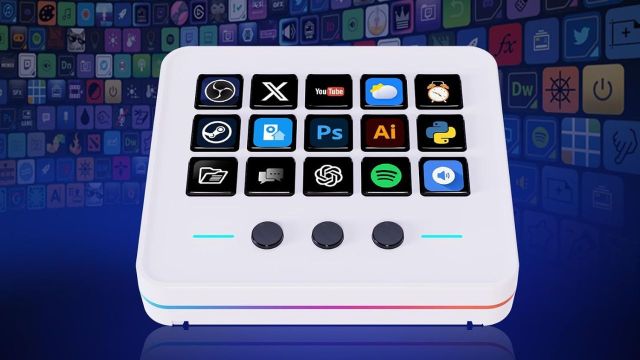
Top Macro Keypads to explore: Some computer tasks feel small until you repeat them fifty times. You copy, paste, open the same app, mute a call, change volume, then do it all over again. A macro keypad gives those repeated actions their own buttons. Set a shortcut once, press one key, and save yourself from hunting through menus each time.

What Makes Macro Keypads Useful for Everyday Work?
Do you edit videos, stream, make presentations or spend hours at a desk? A macro keypad can put your common commands within reach. You can assign keys for copy and paste, app launches, media controls or editing actions. Here are the leading macro keypads you can check on Amazon.
5 Macro Keypads Deals on Amazon
BTXETUEL SayoDevice O3C++ Mini Keypad
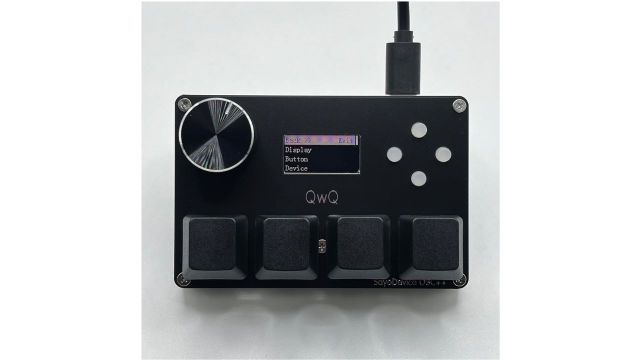
If your desk already has a full keyboard, you may not want another large device taking up space. This SayoDevice keypad gives you four Hall magnetic switches, extra key functions, a knob and a small screen. You can set shortcuts for copy, paste or other repeated actions. It suits work desks, gaming setups or rhythm games.
Desk Tip: Keep your most-used commands on the easiest keys to reach.
VSDINSIDE 18-Key Stream Controller
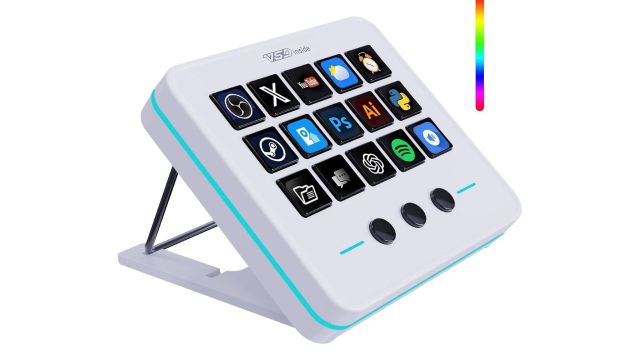
This one gives you more buttons when four or five shortcuts are not enough. You get 18 programmable controls, including 15 LCD keys that can show your chosen icons. Set them for OBS, YouTube, app launches, media controls or work commands. It can help creators and office users who jump between several tools during the day.
Desk Tip: Use clear icons so you know each shortcut at a glance.
SayoDevice 2-Key USB Macro Keypad
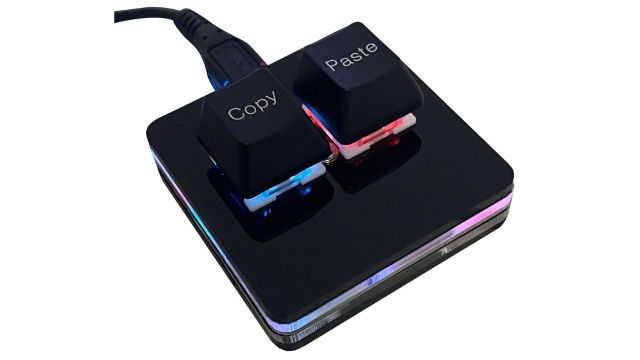
Sometimes two extra keys are all you need. This compact SayoDevice model can handle actions such as copy and paste without adding much to your desk. It uses red mechanical switches, supports hot swapping and includes RGB lighting. Keep it beside your keyboard if two repeated commands take up more of your day than they should.
Desk Tip: Assign one key to each command you use most often.
Also Read: UltrahumanX: What the Membership Covers and Which Benefits Come With Two-Year Coverage
ActionRing 15-Key Macro Pad
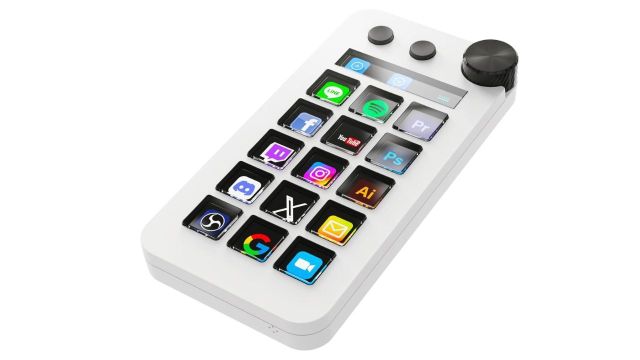
If your work moves between PowerPoint, Photoshop or Premiere Pro, this macro pad gives you more room to organise commands. It has 15 LCD macro keys, a display bar and a large dial for controls such as volume. You can also switch between shortcut, calculator and numeric keypad modes, which gives the device more jobs on one desk.
Desk Tip: Group related editing commands together so your hand moves less.
VSDINSIDE 18-Key Visual Macro Keypad
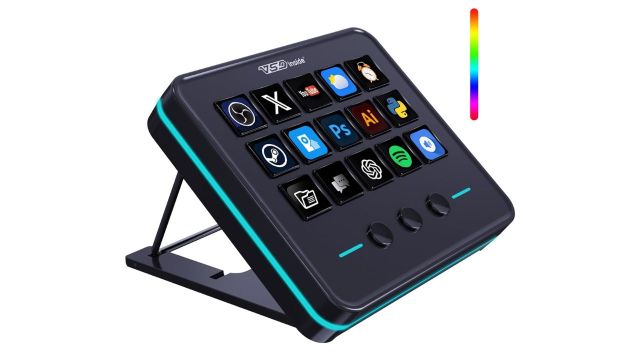
A visual keypad can help when remembering eighteen shortcuts starts becoming a task on its own. This VSDINSIDE model has 15 LCD keys and three extra buttons, with support for custom images and animations. You can use it for streaming, games, media or office commands. It suits setups where the same programs stay open for hours.
Desk Tip: Give each app its own set of icons for faster recognition.
Frequently Asked Questions
Can I use a macro keypad for regular office work?
Yes, you can assign common actions like copy, paste, app launches, and even media controls also.
How many macro keys do I need for daily tasks?
Start with the shortcuts you use most, then choose a keypad that has enough spare keys.