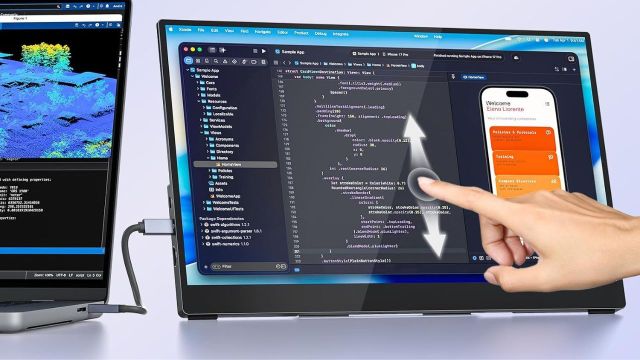
Top Portable Touchscreen Monitors to explore: Working from one screen can get messy fast. You open a spreadsheet, switch to notes, check a browser tab, then lose track of the window you needed in the first place. A touchscreen monitor can give you more room and let you tap, swipe or move through content by hand. If you are planning an upgrade, the Amazon Great Indian Festival Sale can be a good time to get some good deals on these monitors.
Who Should Consider a Portable Touchscreen Monitor?
Do you work across a laptop, phone, gaming console or Raspberry Pi setup? A portable touchscreen monitor can suit students, designers, coders, travellers or remote workers who want another screen without a fixed desk setup. Let’s consider some portable touchscreen monitors you can check on Amazon.
5 Portable Touchscreen Monitors Deals
CAPERAVE 15.6-Inch Portable Touchscreen Monitor
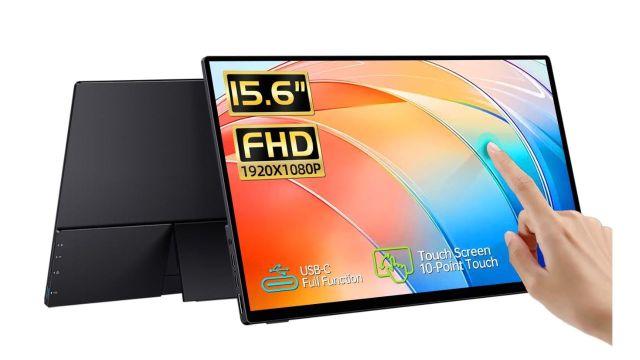
If you want to add touch controls to a laptop setup, this CAPERAVE monitor gives you a 15.6-inch FHD IPS screen with 10-point touch. You also get tempered glass, a kickstand, speakers, HDMI and USB-C support. It can work with laptops, phones or consoles, though touch support depends on the connection and device.
Work Tip: Check whether your USB-C port supports video before relying on one-cable use.
VisionOwl 15.6-Inch Touchscreen Monitor
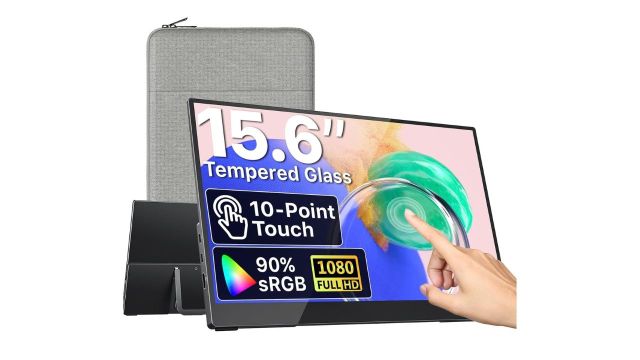
This VisionOwl model can suit you if colour and viewing space matter during work or entertainment. The 15.6-inch FHD IPS screen offers 10-point touch, 270-nit brightness and an 89% sRGB colour range. You also get USB-C, HDMI, VESA mounting holes and an adjustable kickstand for desk or travel use.
Work Tip: Use the kickstand at a lower angle when you plan to tap the screen often.
UPERFECT 15.6-Inch Touchscreen Portable Monitor
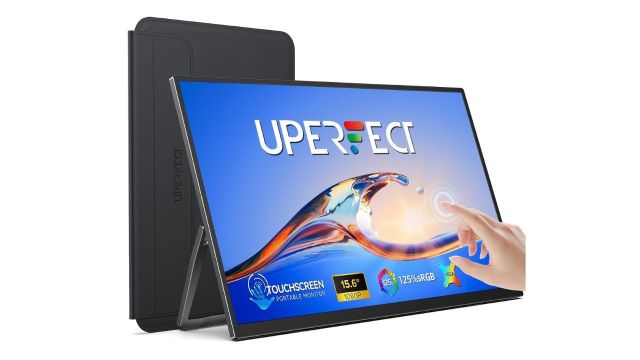
If glare is a concern, this UPERFECT model uses a matte 15.6-inch IPS screen with 1080P resolution. You get 10-point touch, USB-C, HDMI and an adjustable stand. It can suit work, browsing or creative tasks where tapping, swiping and zooming feel faster than reaching for a mouse.
Work Tip: Keep the screen within arm’s reach if touch controls are part of your routine.
Also Read: Macro Keypads for Adding Shortcuts to Repetitive Computer Tasks
Magedok 9-Inch Raspberry Pi Touchscreen
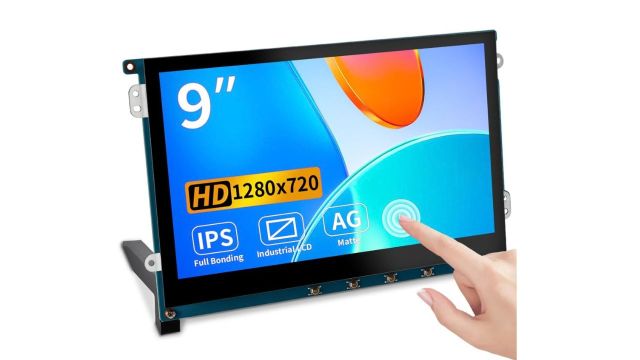
This 9-inch display is aimed more at DIY and Raspberry Pi projects than regular laptop work. You get a 1280 x 720 IPS panel, capacitive touch, anti-glare treatment and wall-mount support. The smaller size can suit control panels, compact desk projects or custom builds where a 15-inch monitor would take up too much room.
Tech Tip: Check your project ports and mounting space before buying the display.
Hosyond 7-Inch IPS Touchscreen Display
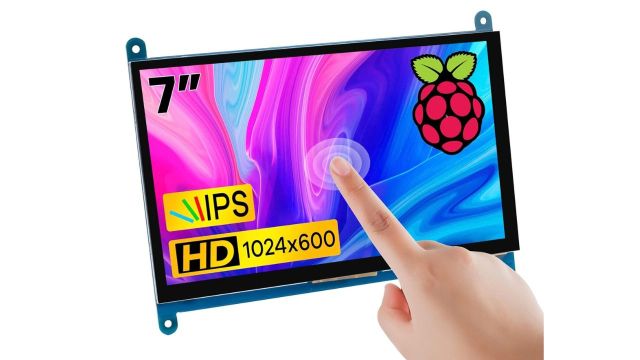
If your project needs an even smaller screen, this Hosyond display gives you a 7-inch IPS panel with 1024 x 600 hardware resolution. It supports five-point capacitive touch and works with several Raspberry Pi models and Windows systems. The backlight can also be turned off when you want to reduce power use.
Tech Tip: Use it for compact control panels where screen size matters more than workspace.
Frequently Asked Questions
Can I use a touchscreen monitor with my laptop?
Yes, but check video output and touch support on your laptop before choosing the connection type.
Who should buy a smaller Raspberry Pi touchscreen monitor?
Choose one if you build compact projects and do not need a full-size second desktop screen